


Understanding Our Password Protocols
As you know, security for our Online Secure Portal is one of our chief objectives. The data your applicants are providing and the reports produced are highly sensitive, so it is imperative it remains as safe and secure as possible.
It’s also our goal for the system to be as “user-friendly” as possible. Unfortunately, security priorities and frustration-free can sometimes be at odds.
This can be the case with our password protocols. No one wants to have their data breeched. But also, no one wants to get locked out when they need to get background screening work done.
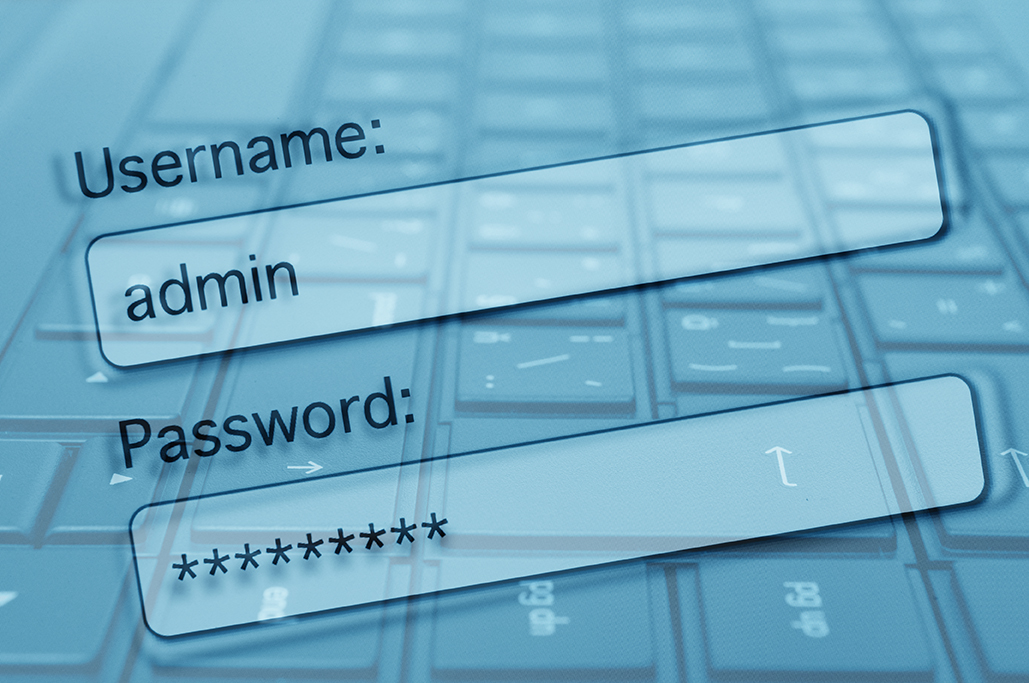
Because of this, we want to provide some clarity with our password system, in order to minimize the chance you’ll find yourself locked out.
Here are some of the key guidelines:
NEW PASSWORDS & PASSWORD RESETS
All passwords first come from us. Once you get signed up for the Online Secure Portal, our staff will send you a temporary username and password. You will need to log in and reset your password. You will have the option of updating your username, which we recommend. Once you do, it’s important that you WRITE down your username and password and keep it in a safe place for future reference. (This is the same process in case you need to reset your password. You must contact our office.)
SECURITY QUESTIONS
When you first set up your password, you’ll also be asked three security questions that only you will know the answers. You’ll want to write these down for further reference.
PASSWORD RESETS
You will need to reset your password every 180 days. The system will prompt you of this requirement and will allow you to update it. Make sure to write the new password. Do not save your password via Google or your browser. Instead, type it in each time you use the system. If you have any issues in changing your password, please contact our office and we’ll help you. If your account has been inactive for six months or more, you’ll need our assistance to set up a new password.
PASSWORD CHANGES
You may change your password at any time. To do so, you must first be logged in using your current password. Once logged in, you can click on the ADMINSTRATION link at the top of the page. That will prompt the password reset process. Remember again to write down your new password, and do not save it via Google or your browser. If you have any issues with changing your password, contact our office.
MULTI-FACTOR AUTHORIZATION PIN
Each account is required to have a multi-authorization PIN. Your access will need to be re-authorized by a PIN every 90 days. The system will prompt you of this requirement. To confirm your identity, you’ll be asked the Security Questions that you answered at the time of setting up your password. Once these are successfully answered, the system will send you a new authorization PIN via either your email or text (depending on how your account was set up).
PASSWORD PROTOCOLS
Your password must have at least 8 characters. You’ll need at least one number and one special character in the password choice. Do not use the “&’ or “@” special characters for your password.
SHARING ACCESS
It is our strong recommendation that you should never share your access credentials with anyone else. Even if they are in the same department or organization. Instead, reach out to our office and we’ll be happy to create access credentials for staff members of your choosing.

COMMON USER ERRORS
When you go in to use the Online Portal, you SHOULD NOT rely on auto-fill for your password. It will often auto-fill an old password, and it won’t work.
You should take care in cutting and pasting your password. One of the most common mistakes with passwords is accidentally pasting in an extra space at the end, and your password will then not work. You will be best off just typing the password in.
Your user access will be denied if you try four subsequent attempts with an incorrect password. You will need to contact our office during working hours (M-F, 8:30 a.m. – 5 p.m.) in order to get your password reset. Anyone in our office should be able to assist you.
Again, it’s not our goal to make any of this over-complicated. We know how busy you are. However, we are fully committed to providing you with a system that is as secure as possible.
We’re happy to walk anyone from your team through this process over the phone. Feel free to call us with any questions you might have.
We appreciate the opportunity to serve you.
